01 / SOCIAL MEDIA
Social media AI labels
Want to address an AI notice on a social post? Remove a supported SynthID watermark before uploading your image again. Platforms may still show AI labels based on other signals.
Use SynthClear to remove supported SynthID watermarks from your images. Add multiple files, track each removal job, and download the processed PNG results.
Add more anytime · PNG, JPG, WEBP · up to 8 MB each
Select images to begin
ABOUT SYNTHID
SynthID is Google DeepMind’s technology for embedding an imperceptible watermark in AI-generated content. For supported images, the watermark is designed to remain detectable even after common edits such as cropping or applying filters.
Open the SynthID Detector, upload your image there, and review its analysis to see whether SynthID is detected. Detection depends on the content and watermark being supported by the detector.
BEFORE & AFTER
Compare the SynthID Detector feedback before and after processing the same image with SynthClear.
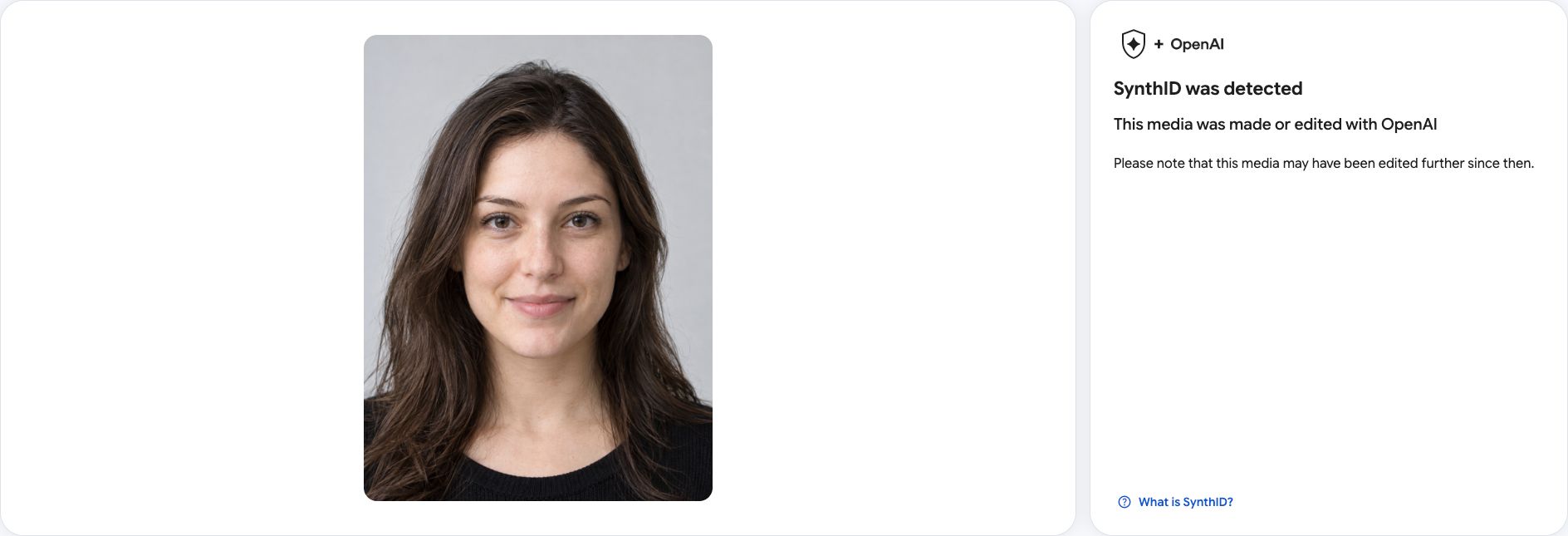
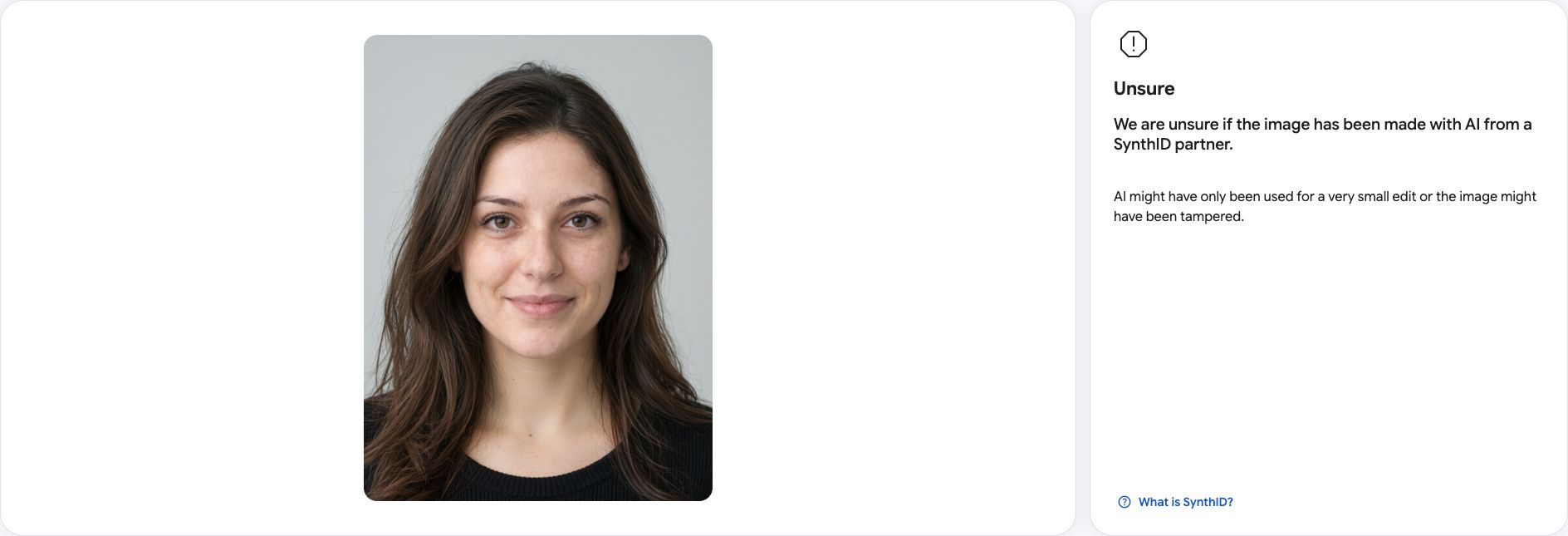
This example shows a change in detector feedback, not a guarantee that every watermark has been removed. Results can vary by image and detector support.
USE CASES
Use SynthClear to process supported SynthID watermarks in images you want to post, reuse, or handle in a batch.
Want to address an AI notice on a social post? Remove a supported SynthID watermark before uploading your image again. Platforms may still show AI labels based on other signals.
Already checked your image with SynthID Detector? Upload it here to remove a supported watermark and download the processed PNG.
Have several AI image exports with SynthID watermarks? Add them in one session, submit once, and track each removal job separately.
QUESTIONS
Answers about removing SynthID from images, supported files, and your processing jobs.
Back to the upload toolUpload PNG, JPG, or WEBP images up to 8 MB each. Images can contain up to 4 million pixels.
Choose or drop an image, sign in, and start processing. Each image becomes a separate removal job. Track progress in My jobs and download the PNG result when available.
Originals and results are stored privately and deleted 30 days after upload. Only the signed-in account can access them.
Yes. The tool works on phones, tablets, and desktops. Tap the upload area to choose an image.
Use the SynthID Detector to check your image before uploading it here. SynthClear processes uploaded images even when source metadata is missing; it does not offer a detector or checker. Processing does not guarantee a negative detection result. If processing fails, your reserved credit is returned.
SynthClear processes the image watermark, not a platform’s label. Social platforms may use metadata, other watermarks, and their own systems, so an AI notice can remain after processing.